
Nav Preview
  • Shopify Store Speed Optimization: Why It Matters for Conversions in 2026

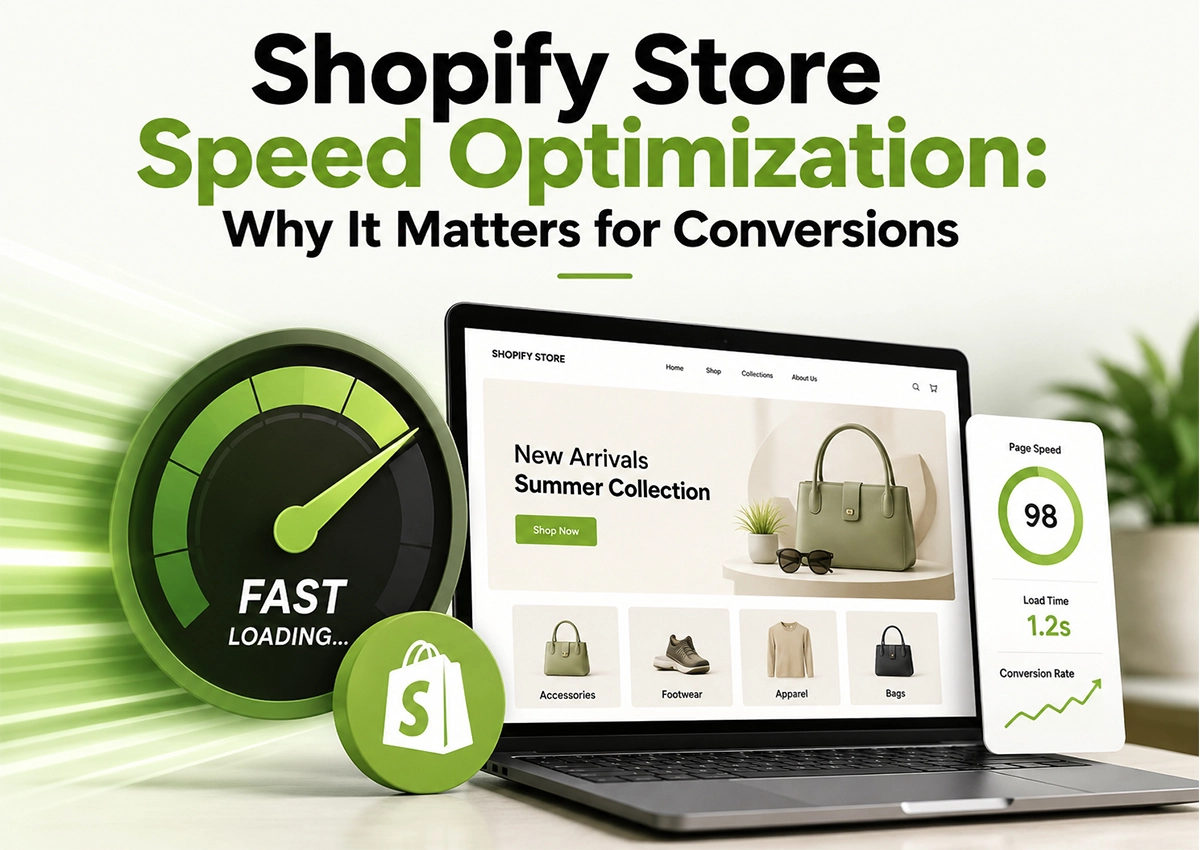
    Shopify store speed optimization is no longer just a technical task. It directly affects how shoppers browse, trust, and buy from your store. A slow product page can lose a sale before the customer even sees the offer.

    In 2026, shoppers expect fast, frictionless experiences across mobile and desktop. Therefore, brands need more than a good-looking Shopify store. They need a store that responds quickly, loads efficiently, and keeps customers moving toward checkout.

    This guide explains how to speed up Shopify website performance, what usually slows stores down, and where Shopify optimization can create measurable conversion gains.

    Ecommerce ROAS
    Google Ads ROAS
    Amazon ROAS

    Amazon ACoS Strategies

    PPC Performance

    Higher ROAS

    Shopify store speed optimization for faster loading and higher conversions

    Summary

    A faster Shopify store can create a smoother shopping journey, reduce friction, and support stronger conversion performance. However, speed optimization isn’t about making every page score 100.

    It is about identifying what slows the store down, fixing high-impact issues first, and protecting the customer experience.

    Key Takeaways

    Speed Impacts More Than Load Time

    Slow pages can increase abandonment, especially on mobile. Therefore, Shopify performance optimization should be part of your conversion strategy.

    Apps Are Often the Hidden Problem

    Too many apps, scripts, tracking pixels, and third-party widgets can quietly increase page weight.

    Mobile Deserves Priority

    Most ecommerce traffic comes through mobile devices. Accordingly, Shopify page speed optimization should always test real mobile experiences.

    Optimization Is Ongoing

    New apps, campaigns, themes, and creative assets can slow a store again. Regular Shopify site speed optimization keeps performance under control.

    What Is Shopify Store Speed Optimization and Why Does It Matter in 2026?

    Shopify store speed optimization means improving how quickly and efficiently your storefront loads and responds.

    Sounds straightforward, but here’s where it gets interesting.

    A store might look perfectly fine on a fast office connection. Then a shopper opens it on a mid-range phone using mobile data.Β 

    • Suddenly, the hero image takes too long.Β 
    • A pop-up appears.Β 
    • The product gallery shifts.Β 
    • The buyer leaves.

    That small delay matters. Shopify optimization should therefore consider:

    • Page loading speed
    • Mobile responsiveness
    • Image weight
    • JavaScript execution
    • App scripts
    • Theme performance
    • Third-party tracking
    • Core Web Vitals
    • Checkout and navigation friction

    In other words, speed is part of the buying experience, not just a developer metric.

    How Does Shopify Store Speed Affect Conversions?

    Imagine a customer clicks your Instagram ad and lands on your product page.

    The page takes a few extra seconds to become usable. The customer waits, and then waits again; maybe they leave. You still paid for that click.

    This is why Shopify website speed optimization matters financially. A slow store can waste paid traffic, reduce engagement, and weaken the path from product discovery to checkout.

    Additionally, speed can influence SEO performance because search engines evaluate page experience alongside other ranking signals.

    So, if you are spending heavily on Google, Meta, TikTok, or influencer traffic, speed up Shopify site performance before simply increasing the traffic budget.

    What Usually Slows Down a Shopify Store?

    Not every slow Shopify store has the same problem. However, several issues appear repeatedly.

    1. Heavy Images

    Large product images can add unnecessary page weight. Use modern formats where appropriate, compress assets, and avoid uploading enormous images when a smaller version will look identical on mobile.

    2. Too Many Shopify Apps

    This one gets overlooked. A brand installs an app for reviews, another for pop-ups, another for upsells, and another for tracking.

    Eventually, the storefront carries scripts it barely uses. Therefore, audit apps regularly. Remove unused applications and scripts instead of letting them sit quietly in the background.

    3. Poorly Optimized Themes

    A visually impressive theme can still carry unnecessary code. A cleaner theme structure often makes Shopify optimization easier.

    4. Excessive Third-Party Scripts

    Chat widgets, analytics, heatmaps, advertising pixels, recommendation engines, and other tools can all add processing overhead. Use them when they create business value, not simply because they’re available.

    How Can You Speed Up a Shopify Website Without Redesigning It?

    You don’t always need a complete rebuild. Start with the obvious wins.

    1. Compress large images: Prioritize product, hero, and collection images.
    2. Remove unused apps: Check whether each app actually contributes to revenue or customer experience.
    3. Reduce unnecessary animations: Animations look great until they delay useful content.
    4. Clean up third-party scripts: Load non-essential scripts only where they are needed.
    5. Review your theme code: Remove redundant snippets and inefficient customizations.
    6. Test mobile performance: Desktop results can hide real customer problems.
    7. Monitor Core Web Vitals: Look at real-world performance, not only a single laboratory score.

    These changes form the foundation of a practical Shopify speed optimization service.

    Is Your Shopify Store Losing Customers to Slow Load Times?

    Optimize your store for faster performance, better user experience, and more conversions.

    How Does Shopify Page Speed Optimization Support SEO?

    Speed and SEO work together. Search engines want users to find useful pages. Users also expect those pages to work quickly. Therefore, Shopify page speed optimization should sit alongside:

    • Technical SEO
    • Internal linking
    • Structured data
    • Mobile optimization
    • Product page optimization
    • Content quality
    • Conversion optimization

    However, don’t make the mistake of chasing speed scores while damaging usability. A product page that loads quickly but lacks strong product information won’t magically rank or convert.

    Performance doesn’t replace SEO, but supports it.

    What Are the Biggest Shopify Optimization Mistakes?

    1. Optimizing Only for a Speed Score: A perfect laboratory score doesn’t guarantee a perfect shopping experience.
    2. Keeping Every App: More functionality doesn’t always mean more revenue.
    3. Ignoring Mobile: This is one of the biggest mistakes. Test the experience customers actually use.
    4. Optimizing Images Once: Your store keeps changing. New products and campaigns introduce new heavy assets.
    5. Delaying Optimization Until Peak Season: Don’t wait until peak season, Amazon, or your biggest ecommerce campaign to discover your storefront is slow. Traffic exposes weaknesses quickly.

    How Should Shopify Brands Measure Store Performance?

    Don’t rely on one number. Instead, monitor a combination of technical and commercial metrics:

    • Core Web Vitals
    • Page load behavior
    • Mobile performance
    • Bounce or engagement rates
    • Product-page engagement
    • Add-to-cart rate
    • Checkout conversion
    • Conversion rate
    • Revenue per visitor

    This is where Shopify performance optimization becomes more useful. The goal is to make the shopping journey faster and more profitable.

    What Are the Emerging Shopify Speed Optimization Trends in 2026?

    Shopify optimization is becoming more strategic.

    1. AI-Assisted Performance Monitoring: Brands increasingly use automated tools to identify performance hurdles and prioritize technical fixes.
    2. Mobile-First Optimization: Mobile performance remains critical as shoppers increasingly discover products through social platforms and mobile search.
    3. Lightweight Storefront Experiences: Brands are reducing unnecessary animations, scripts, widgets, and app dependencies.
    4. Performance-Based CRO: Speed data is increasingly combined with conversion data. Consequently, teams can identify which technical improvements actually influence revenue.
    5. Continuous Optimization: Instead of performing one annual speed audit, stronger brands monitor performance throughout the year.

    Final Takeaway

    A slow Shopify store doesn’t always announce itself. There may be no broken page or obvious error; maybe just fewer customers reaching checkout.

    That’s why Shopify store speed optimization deserves attention in 2026. Faster experiences reduce friction, support SEO, improve usability, and give paid traffic a better chance to convert.

    Start with the biggest challenges: remove unnecessary weight, test mobile, measure commercial impact, and keep improving.

    Because Shopify speed optimization isn’t a one-time technical project but part of running a high-performing ecommerce store.

    Frequently Asked Questions

    About the Author

    Sandeep K, Founder and CEO of Krolog Inc., is an Amazon marketplace consultant with more than 10 years of experience across Amazon SEO, PPC, account management, listing optimization, and marketplace growth.

    He has worked with brands across categories to improve marketplace performance, resolve operational challenges, and build sustainable Amazon growth strategies.

    Need Help Improving Your Shopify Store?

    Your store should not lose customers because it takes too long to load. Krolog helps ecommerce brands with Shopify optimization, speed optimization, SEO, development, and conversion-focused improvements.

    Schedule a call with Krolog and discover how the right Shopify strategy can accelerate your growth.

    Related Article

    Shopify Store Speed Optimization: Why It Matters for Conversions in 2026

    Shopify Store Speed Optimization: Why It Matters for Conversions in 2026

    Shopify Store Speed Optimization: Why It Matters for Conversions in 2026 Shopify store speed optimization is no longer just a…

    Amazon Account Health: The Early Warning System Most Sellers Ignore

    Amazon Account Health: The Early Warning System Most Sellers Ignore

    Amazon Account Health: The Early Warning System Most Sellers Ignore Amazon Account Health is more than a score sitting inside…

    DTC Strategy for Amazon Private Label Sellers: A Complete Launch Guide for 2026

    DTC Strategy for Amazon Private Label Sellers: A Complete Launch Guide for 2026

    DTC Strategy for Amazon Private Label Sellers: A Complete Launch Guide for 2026 Amazon can build your brand. But it…

    Scroll to Top