
Amazon Backend Keywords: Where to Put Them and What to Never Include
Amazon Backend Keywords: Where to Put Them and What to Never Include Your product listing looks good. The title is…
Your product listing looks good. The title is optimized, bullet points are clear, and images are doing their job. But are you using the available backend keyword space properly?
Amazon backend keywords help sellers include relevant search terms without adding more text to the visible listing. Think synonyms, alternate product names, and relevant search phrases customers might use.
Sounds simple. Yet many sellers waste this space repeating keywords or adding irrelevant search terms.ย
Here’s how to get it right, where to add them, and what to leave out.
Amazon backend keywords are hidden search terms entered through the Generic Keywords field in Seller Central. They help Amazon match products with relevant customer searches. Sellers should prioritize relevant synonyms, alternate terminology, and useful search variations while following Amazon’s byte limit and prohibited-term guidelines.
Add relevant terms missing from visible listing content.
Keep backend search terms below 250 bytes where the applicable marketplace limit is 250 bytes.
Don’t waste space repeating existing listing keywords.
Every term should describe the product or its legitimate use.
ย Update keywords as customer search behavior changes.
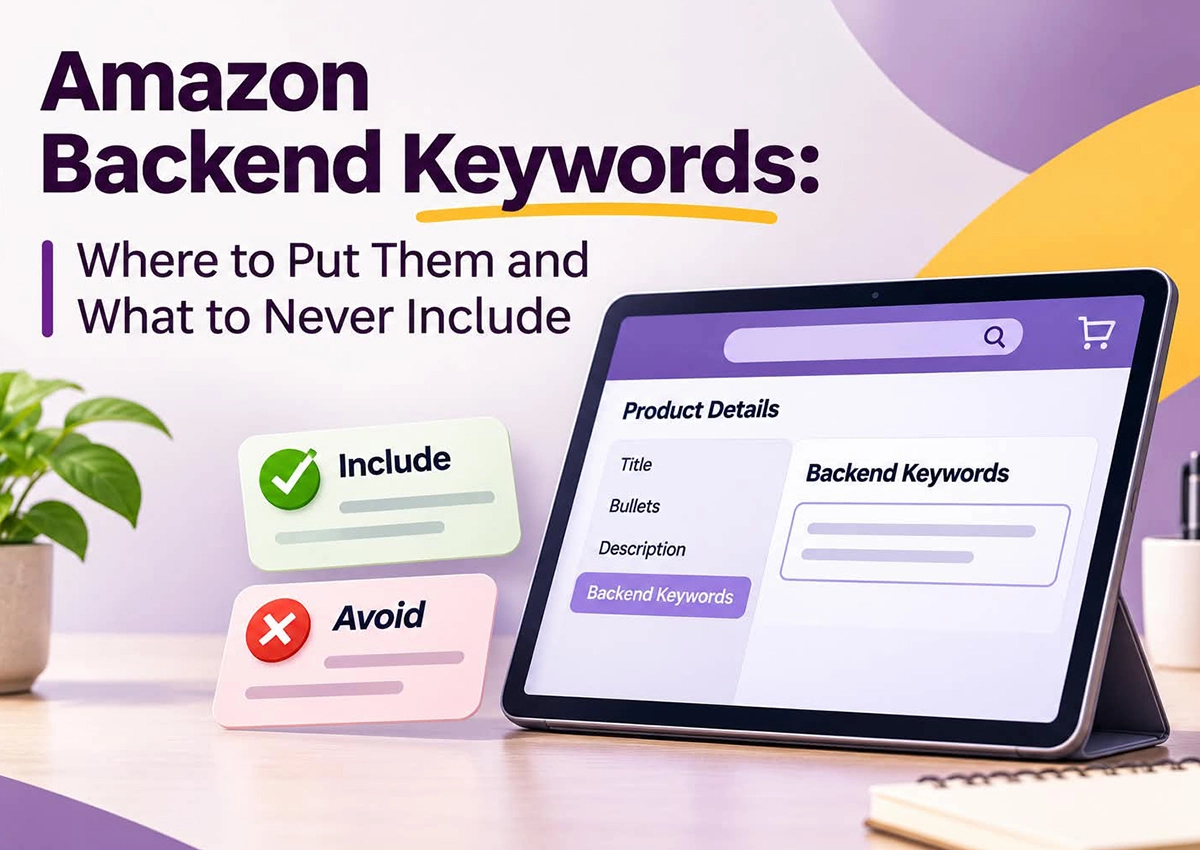
Amazon backend keywords are search terms that sellers add to the Generic Keywords field in Seller Central. Customers cannot see them on the product detail page, but Amazon can use them for search matching.
For example, imagine you’re selling a bamboo cutting board.
Your product title already includes “bamboo cutting board.” Instead of repeating those words, you could consider relevant alternatives such as:
The idea isn’t to fill every available byte. It’s to cover useful search variations without duplicating existing information.
Finding the field is easy. Choosing the right terms takes more work.
Amazon may display different attributes depending on the product category and marketplace. Don’t confuse Generic Keywords with fields such as Intended Use or Target Audience. Those attributes have separate purposes.
For Amazon’s US Generic Keywords field, the limit is less than 250 bytes. This is a byte limit, not always a character limit. If the field exceeds the limit, Amazon Search may ignore the entire entry.ย
A few rules worth following:
Marketplace and category requirements can differ. Check the applicable Seller Central guidance before uploading.
This is where sellers often get careless. More keywords don’t automatically mean more visibility.
Avoid including:
These restrictions come directly from Amazon’s search-term guidance. Violations can affect indexing and may create listing or account risks.ย
Not sure which backend keywords to use or what to avoid? Get expert Amazon SEO support to optimize your listing keywords, improve discoverability, and reach more relevant shoppers.
Start with Amazon keyword research, not guesswork.
Use an Amazon keyword research tool such as Helium 10 or Jungle Scout to identify search variations and competitor keyword opportunities. Amazon Brand Analytics can also help eligible brand-registered sellers understand customer search behavior.
For each ASIN, build a list of:
An Amazon backend keyword extractor can help collect keyword ideas, but don’t copy everything it generates. Review relevance first.
At Krolog, we often find sellers chasing high-volume keywords without checking whether those terms actually describe the product. Relevance should come first; Search volume comes next.
Keyword placement works best when it’s part of a wider listing strategy.
For example, Krolog worked with Mini Scrapper on optimising their Amazon presence. Within one month, the brand recorded a 45% increase in sales, while ACoS improved from 75% to 47%.
This was a broader listing optimization effort along with back-end search term integration. It demonstrates why keyword research, listing content, back-end search terms, and performance improvements need to work together.
Through its Amazon Listing Optimization Services, Krolog helps brands refine keyword placement, improve listing relevance, and build stronger product pages.
Small mistakes that can cause valuable listing space wastage.
Amazon backend keywords aren’t a dumping ground for every search phrase you can find. They’re a limited space, so use it carefully.
Prioritize relevant synonyms, alternative product names, and customer search variations. Avoid repetition and prohibited terms. Most importantly, treat backend keywords as one part of your overall Amazon SEO strategy.
At Krolog, we combine keyword research with Amazon listing optimization and Amazon SEO services to help brands improve discoverability and build listings that convert.
The US Generic Keywords field allows fewer than 250 bytes. Check your marketplace and category requirements.
No, backend keywords are hidden search terms entered through the Generic Keywords field in Seller Central.
They help Amazon match relevant customer searches. However, adding keywords doesn't guarantee higher rankings or sales.
Avoid unnecessary repetition. Use the available space for relevant terms not already captured elsewhere.
Amazon prohibits brand names in generic search terms, including other brands.
Review them periodically, especially after listing changes, new keyword research, or shifts in customer search behavior.
No, Amazon states that spaces and punctuation do not count toward the 250-byte limit for backend search terms. However, special characters may use multiple bytes, so keep your keyword field within the limit.
Tools such as Helium 10 and Jungle Scout can help identify keyword opportunities. Always validate relevance before adding them.
Open Manage All Inventory, edit the relevant ASIN, navigate to Product Details, and enter terms in the Generic Keyword field.
Sandeep K., Founder and CEO of Krolog Inc., has over 10 years of experience in Amazon SEO, PPC, keyword strategy, and marketplace growth. He helps brands improve product visibility, strengthen listing performance, and build sustainable Amazon strategies.
A few relevant keywords can make a difference, but only when they’re part of a well-planned listing strategy.
Krolog’s Amazon experts can help you identify keyword gaps, optimize backend search terms, and improve your product listings.
Amazon Backend Keywords: Where to Put Them and What to Never Include Your product listing looks good. The title is…

Amazon Account Deactivated vs. Suspended: Why the Difference Changes Your Appeal You log in to Seller Central, expecting another day…

Shopify App Development: Costs, Process, and When Your Store Actually Needs a Custom App Your Shopify store is growing. Orders…
Krolog was born from a simple yet powerful idea: to empower businesses with the tools and strategies needed to thrive in the ever-evolving digital marketplace. Our journey is a testament to the transformative impact of strategic E-commerce solutions.


Copyright ยฉ 2026 All Right Reservedย