
Nav Preview

Shopify App Development: Costs, Process, and When Your Store Actually Needs a Custom App

Your Shopify store is growing. Orders are coming in. But managing inventory, personalizing products, or connecting different systems is becoming harder than it should be.

You’ve tried a few apps from the Shopify App Store. Some help, while others end up creating more work.

This is where custom Shopify app development can help. A custom solution can fill functionality gaps, automate repetitive tasks, and make your store work around your business instead of the other way around.

But does every store need one? Not at all.ย 

Let’s look at the costs, development process, and signs that it’s time to build something custom.


Amazon Product Video
Amazon Advertising Video
Amazon Sponsored Brand Video

Amazon ACoS Strategies

PPC Performance

Higher ROAS

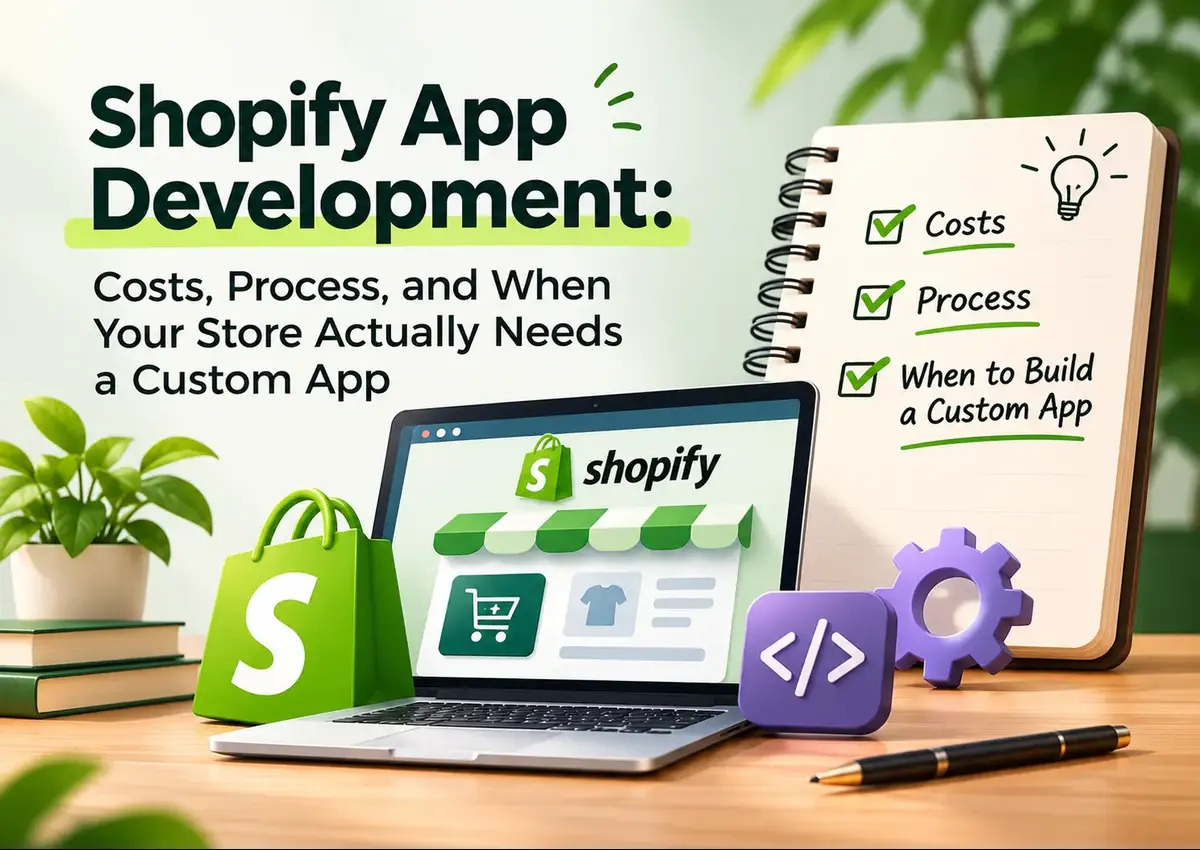
Shopify app development illustration featuring a Shopify online store, custom app development tools, and a checklist covering costs, development process, and when to build a custom app.

Summary

Shopify app development helps merchants extend store functionality through public or custom applications. While existing apps can handle common requirements, custom Shopify app development makes sense when a business needs specialized workflows, integrations, automation, or product experiences that tools cannot deliver.

The right decision depends on functionality, complexity, budget, and long-term maintenance.

Key Takeaways

Existing apps first

Check the Shopify App Store before commissioning development.

Custom when necessary

Build when existing solutions cannot support essential workflows.

Budget for maintenance

Development is only one part of the total cost.

Start with a clear scope

Define the problem before choosing technology.

What Does Shopify App Development Actually Involve?

A Shopify app adds functionality to your store or Shopify admin. It can connect external platforms, automate business operations, or create experiences customers cannot get from a standard theme.

There are two broad options:

  • Public apps: Built for multiple merchants and distributed through the Shopify App Store.
  • Custom apps: Developed for a specific store or organization to solve particular business needs.

For example, a clothing retailer might need a Shopify product customization app that lets customers select fabrics, add initials, and preview designs before checkout.

An existing app may handle basic personalization. But if the retailer needs custom pricing rules and ERP (Enterprise Resource Planning) integration, a tailored solution could be more practical.

When Does Your Shopify Store Actually Need a Custom App?

Not every inconvenience needs custom development. Sometimes, a Shopify app already solves the problem. Consider custom development when:

  • Your team repeats manual tasks every day.
  • Your existing systems don’t communicate properly.
  • Standard apps lack essential features.
  • Your product configuration or pricing rules are unusually complex.

For instance, imagine managing orders across Shopify, Amazon, and a separate inventory platform. A custom Shopify integration could synchronize information based on your actual business rules.

Expert observation

Don’t build an app just because your competitors have one. Build it because a specific operational or customer-experience problem is costing your business time, money, or sales.

How Much Does Shopify App Development Cost?

There isn’t one fixed price. Scope determines the investment.

Development Type Indicative Budget (USD)
Simple custom functionality 1,000โ€“5,000
Basic custom app 5,000โ€“15,000
Mid-complexity app with integrations 15,000โ€“40,000
Advanced or enterprise application 40,000+

These are broad planning estimates, not official Shopify rates. Actual quotes depend on features, integrations, design, testing, security, and developer expertise.

Also budget for hosting, API usage where applicable, monitoring, updates, and ongoing maintenance.

Build a Shopify App That Works for Your Business

Need more than off-the-shelf Shopify features? Get a custom app designed around your store’s unique requirements, workflows, and growth goals.

What Is the Shopify App Development Process?

A reliable Shopify developer won’t jump straight into coding. The process should look something like this:

  1. Discovery: Identify the business problem, users, and required features.
  2. Planning: Define functionality, API permissions, integrations, and technical architecture.
  3. Design: Map the user journey and create the interface.
  4. Development: Build the app using Shopify’s APIs and development tools.
  5. Testing: Check functionality, performance, permissions, and compatibility.
  6. Launch and maintenance: Deploy, monitor, fix issues, and improve as requirements change.

Shopify’s Dev Dashboard and Shopify CLI support app creation, development, testing, and deployment.

Common Shopify App Development Mistakes

Certain oversights can increase development costs and create avoidable complications..

  • Building too early: Check existing Shopify apps before investing in custom development.
  • Unclear requirements: Changing features halfway through increases development time.
  • Ignoring API permissions: Request only the access your app actually needs.
  • Skipping testing: Test workflows in a development store before going live.
  • Forgetting maintenance: Apps need updates as business requirements and Shopify APIs evolve.

How Krolog Approaches Shopify Development

Consider Cantoocity, a Canadian arts and crafts brand that partnered with Krolog to improve its online storefront.

Krolog migrated the business from GoDaddy Website Builder to Shopify in four weeks. The project focused on store development, design, SEO, and marketplace integrations.

Following the migration, the published case study reported:

  • 178% increase in listing signups
  • Page load time reduced from 4.3 seconds to 1.0 second
  • Bounce rate reduced from 71% to 28%

This was a Shopify store development and migration project, not a custom app build. However, it demonstrates why understanding the wider store ecosystem matters before introducing new technology.

Explore Krolog’s Shopify development portfolio.

Final Verdict

Shopify app development isn’t the next step for every growing store. Sometimes, an existing app is enough. Other times, custom functionality becomes essential to keep operations efficient and customers happy.

Start with the problem, assess available solutions, and then invest in development only when the business case makes sense.

Krolog helps businesses with Shopify web development, integrations, store customization, and scalable eCommerce experiences.

Frequently Asked Questions

About the Author

Sandeep K., Founder and CEO of Krolog, has over 10 years of experience in eCommerce strategy, marketplace management, and digital growth. He works with brands to build scalable online experiences and improve their eCommerce operations.

Need a Shopify Store That Works Smarter?

Your store shouldn’t be held back by disconnected tools or repetitive workflows.

ย 

Whether you need Shopify web development, custom integrations, or a complete store upgrade, Krolog can help you plan the right solution.


Related Article

Amazon Account Deactivated vs. Suspended: Why the Difference Changes Your Appeal

Amazon Account Deactivated vs. Suspended: Why the Difference Changes Your Appeal

Amazon Account Deactivated vs. Suspended: Why the Difference Changes Your Appeal You log in to Seller Central, expecting another day…

Shopify App Development: Costs, Process, and When Your Store Actually Needs a Custom App

Shopify App Development: Costs, Process, and When Your Store Actually Needs a Custom App

Shopify App Development: Costs, Process, and When Your Store Actually Needs a Custom App Your Shopify store is growing. Orders…

Amazon Tariffs: How to Adjust Your Pricing, Sourcing, and PPC Strategy

Amazon Tariffs: How to Adjust Your Pricing, Sourcing, and PPC Strategy

Amazon Tariffs: How to Adjust Your Pricing, Sourcing, and PPC Strategy Amazon tariffs can change the economics of selling online.…

Scroll to Top