

Nav Preview

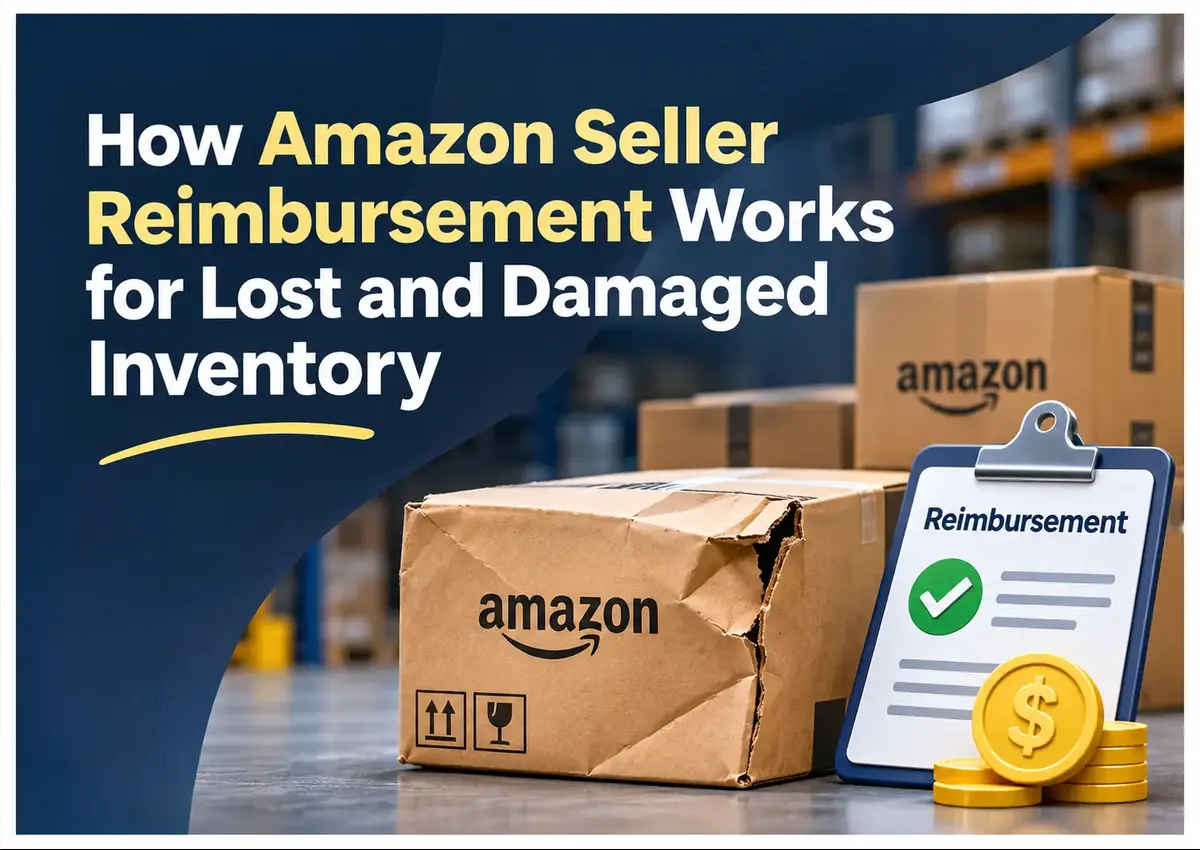
How Amazon Seller Reimbursement Works for Lost and Damaged Inventory

Amazon seller reimbursement helps recover eligible funds when inventory is lost or damaged within Amazon’s fulfillment network. However, not every discrepancy results in an automatic credit. Sellers still need to monitor inventory records, verify reimbursements, and submit eligible claims within Amazon’s deadlines.

This guide explains how Amazon FBA reimbursement works, how to check missing inventory, and what sellers can do to recover funds without overlooking valid claims.

Amazon Product Video
Amazon Advertising Video
Amazon Sponsored Brand Video

Amazon ACoS Strategies

PPC Performance

Higher ROAS

Amazon seller reimbursement for lost and damaged inventory

Summary

Amazon FBA reimbursement covers eligible inventory lost or damaged while under Amazon’s responsibility. Amazon may automatically reimburse certain cases, while others require manual claims. Regular inventory audits, accurate sourcing-cost records, and timely claim tracking help sellers recover eligible funds.

Key Takeaways

Automatic Reimbursement Isn't Guaranteed

Monitor inventory discrepancies even when Amazon handles some cases automatically.

Claim Deadlines Matter

Different reimbursement categories have different submission windows.

Documentation Supports Claims

Keep shipment records, invoices, FNSKUs, and inventory reports ready.

Reimbursement Values Can Differ

 Amazon follows its applicable valuation policy, not necessarily your retail selling price.

Regular Audits Recover Missed Credits

Reconcile inventory and reimbursement records consistently.


What Is Amazon Seller Reimbursement and What Does It Cover?

Amazon seller reimbursement is compensation for eligible inventory losses or damage caused while products are under Amazon’s responsibility.

Common situations include:

  • Inventory lost inside fulfillment centers.
  • Products damaged during Amazon warehouse handling.
  • Missing units during inbound shipment reconciliation.
  • Inventory lost or damaged during removal orders.

However, Amazon doesn’t cover every damaged product. Seller-caused damage, defective products, and customer-damaged returns may not qualify.

What Are the Different Types of Amazon FBA Reimbursement Claims?

Amazon FBA reimbursement claims generally fall into four categories, depending on when and where inventory is lost or damaged. Understanding these categories helps sellers identify discrepancies and follow the correct claim process.

  1. Shipment to Amazon Claims: These apply when units sent to an Amazon fulfillment center are missing from the received inventory. For example, if your shipment plan lists 100 units but Amazon records only 95, the five missing units may qualify for investigation and reimbursement.
  2. Fulfillment Center Operations Claims: These cover eligible inventory that Amazon loses or damages after receiving it at a fulfillment center. Sellers can identify potential discrepancies through their Inventory Ledger and reimbursement reports.
  3. FBA Customer Return Claims: These involve eligible situations where a customer return results in inventory being lost or damaged while handled by Amazon. Sellers should check whether the returned unit was received, restored to sellable inventory, or otherwise accounted for before filing a claim.
  4. Removal Order Claims: These apply when inventory goes missing or arrives damaged while Amazon processes a removal order and ships the units back to the seller or another designated location.

Each claim type has its own investigation requirements, supporting documentation, and submission deadlines. Sellers should check the applicable marketplace’s current FBA reimbursement policy before filing, as eligibility rules and claim windows can differ by marketplace.

How Does Amazon FBA Reimbursement Work?

Amazon may automatically reimburse eligible warehouse losses and certain damaged inventory cases. If a credit isn’t issued, sellers may need to investigate and submit a manual claim.

The process generally involves:

  1. Identify the discrepancy: Compare shipped, received, available, and damaged inventory.
  2. Check eligibility: Review the Inventory Defect and Reimbursement portal.
  3. Collect evidence: Match FNSKUs, shipment IDs, quantities, and supporting records.
  4. Submit the claim: Follow the applicable Amazon reimbursement policy.
  5. Track resolution: Verify the reimbursement in Seller Central and reconcile the credited amount.

How much does Amazon reimburse?

For eligible pre-order losses and damage in the US marketplace, Amazon’s current policy uses the product’s sourcing cost. Customer-return reimbursements follow a different calculation based on the refund or replacement amount, less applicable fees. 

Therefore, reimbursement may not equal the retail selling price.

Missing inventory? Don’t leave money on the table.

Let Krolog’s reimbursement specialists check your account for lost and damaged FBA claims.

How to Check Amazon Reimbursement and File a Claim

Start with Seller Central. Open Inventory, and then Inventory Defect and Reimbursement.

Review three areas:

  • Eligible for claim: Identify discrepancies requiring action.
  • In progress: Track claims under investigation.
  • Resolved: Check Amazon’s decision and reimbursement amount.

For inbound shipment discrepancies, compare the shipment plan with receiving records. For warehouse damage, review the inventory adjustment and transaction details.

Watch your deadlines

Amazon’s US policy update effective October 15, 2025, specifies a 60-day window for reported lost or damaged items, 45-105 days for customer returns, and separate windows for removal claims. Always verify the applicable deadline for your claim type and marketplace.

Common Amazon Reimbursement Mistakes Sellers Should Avoid

  • Ignoring Automatic Credits: Assuming Amazon has reimbursed every eligible unit without checking the Payments report.
  • Filing Premature Claims: Submitting claims before the relevant investigation or eligibility period is complete.
  • Missing Claim Deadlines: Reviewing discrepancies too late to qualify.
  • Using Incomplete Records: Failing to match shipment IDs, FNSKUs, and quantities.
  • Ignoring Reimbursement Values: Accepting credits without checking whether the calculation follows the applicable policy.

Repeated, poorly researched claims can also create account complications. Accuracy matters more than claim volume.

How Krolog Helps Sellers Recover Lost FBA Inventory Costs

Consider an illustrative example

A seller ships 300 cutting boards to an Amazon fulfillment center, but only 296 units appear as received. The four-unit discrepancy needs investigation. The seller must compare shipment records, receiving updates, and inventory adjustments before determining whether a claim is eligible.

This is the kind of discrepancy Krolog’s Amazon reimbursement service is designed to identify.

Krolog audits inventory, inbound shipments, warehouse damage, returns, and fee discrepancies. Its published process includes a 5-7 business day audit turnaround, followed by claim preparation and submission. Claim processing typically takes 2-4 weeks, depending on Amazon’s review.

With Krolog’s Amazon FBA reimbursement services, sellers get structured audits, claim documentation, and ongoing discrepancy monitoring without managing every investigation themselves.

Frequently Asked Questions

About the Author

Sandeep K., Founder and CEO of Krolog Inc., has over 10 years of experience in ecommerce strategy, Amazon marketplace growth, Shopify development, and digital marketing. He helps brands improve marketplace operations, profitability, and sustainable growth.

Recover What Your Amazon Business Is Owed

Lost and damaged inventory can quietly affect your margins. Regular audits help identify discrepancies before claim deadlines pass.

Krolog’s Amazon FBA reimbursement services help sellers identify eligible losses, manage claims, and recover funds with a structured, transparent process.

Related Article

Amazon Black Friday 2026: Key Dates, Deals, and How Sellers Can Prepare

Amazon Black Friday 2026: Key Dates, Deals, and How Sellers Can Prepare

Amazon Black Friday 2026: Key Dates, Deals, and How Sellers Can Prepare Introduction Amazon has confirmed that its Black Friday…

What Does an Amazon Account Manager Do to Grow Seller Revenue?

What Does an Amazon Account Manager Do to Grow Seller Revenue?

What Does an Amazon Account Manager Do to Grow Seller Revenue? An Amazon business can generate clicks and still struggle…
How Amazon Seller Reimbursement Works for Lost and Damaged Inventory

How Amazon Seller Reimbursement Works for Lost and Damaged Inventory

How Amazon Seller Reimbursement Works for Lost and Damaged Inventory Amazon seller reimbursement helps recover eligible funds when inventory is…

Scroll to Top