Nav Preview

WooCommerce to Shopify Migration: Step-by-Step Guide

Planning a WooCommerce to Shopify migration? Moving your store isn’t just about transferring products. You also need to protect SEO rankings, preserve customer data, and ensure checkout works properly.

WooCommerce offers flexibility through WordPress, plugins, and custom development. Shopify, on the other hand, provides managed hosting and an integrated commerce platform. The right choice depends on your store’s needs.

This guide explains how to migrate from WooCommerce to Shopify, avoid common mistakes, and prepare your new store for growth.

Amazon Product Video
Amazon Advertising Video
Amazon Sponsored Brand Video

Amazon ACoS Strategies

PPC Performance

Higher ROAS

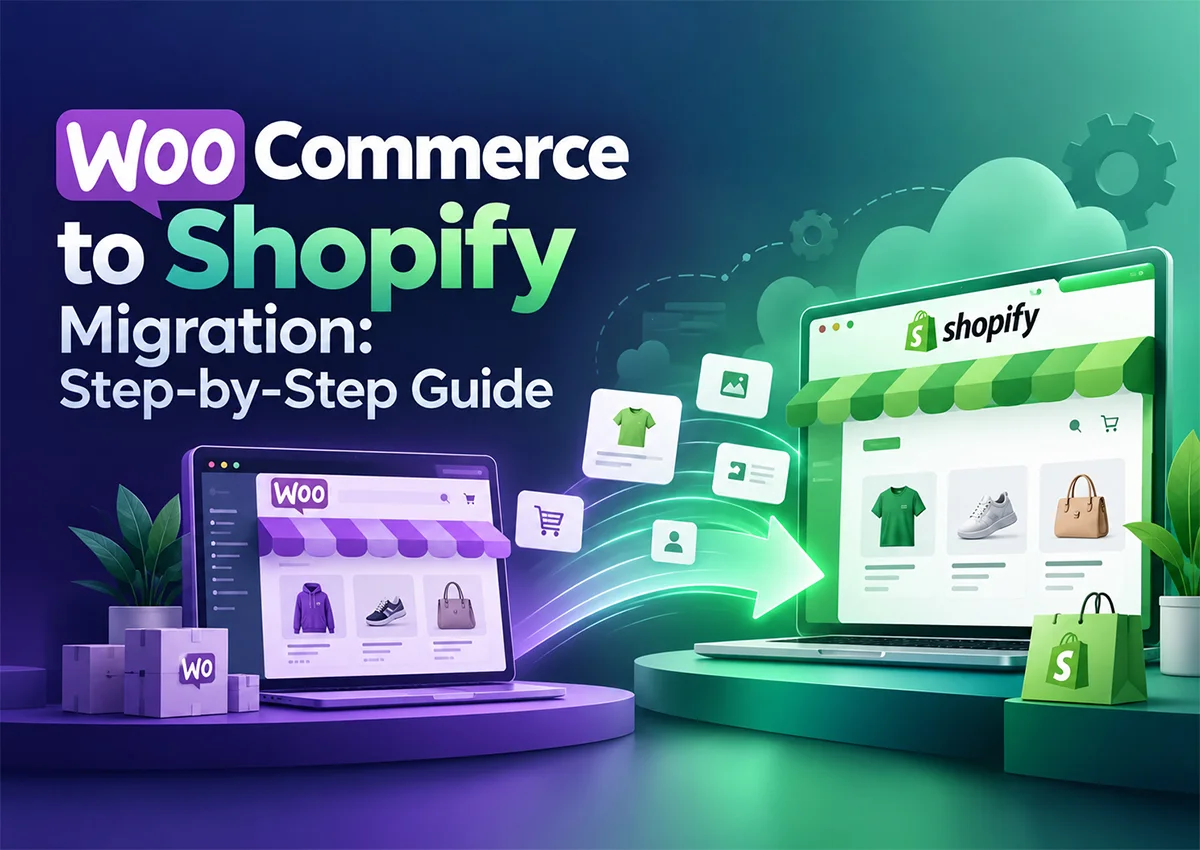
WooCommerce to Shopify migration guide showing the step-by-step process of moving an online store from WooCommerce to Shopify.

Summary

A successful WooCommerce to Shopify migration involves backing up your existing store, transferring products and customer data, rebuilding essential functionality, configuring Shopify URL redirects, and testing the new storefront before launch. A structured migration helps reduce downtime, data loss, and organic traffic disruptions.

Key Takeaways

Back up first

Keep a recoverable copy of your WooCommerce store.

Audit before transferring

Β Not every plugin or feature has a direct Shopify equivalent.

Protect SEO

Map old URLs to relevant Shopify pages.

Test before launch

Verify products, checkout, payments, and mobile usability.

Monitor after migration

Track traffic, indexing, and conversions.

WooCommerce vs Shopify: Which Platform Fits Your Business?

WooCommerce gives merchants extensive control over their WordPress website, hosting, and customization. However, managing updates, plugins, security, and performance can require ongoing technical work.

Shopify simplifies much of the infrastructure and store management. Still, certain custom features may require Shopify apps, theme development, or alternative workflows.

Expert ObservationΒ 

Don’t migrate simply because Shopify is popular. Identify the operational problems you’re trying to solve first. Otherwise, you may transfer the same problems to a new platform.

How to Migrate from WooCommerce to Shopify Step by Step

Step 1: Audit and Back Up Your WooCommerce Store

Before you migrate from WordPress to Shopify, back up your database and website files. Record your product URLs, customer data, orders, blog posts, plugins, and current SEO performance.

Also, list the features your store depends on, such as subscriptions, product bundles, or custom checkout functionality.

Step 2: Prepare Your Shopify Store

Create your Shopify store and configure its settings. Choose a theme, set up shipping and payment options, define tax settings, and review your navigation.

Don’t rush into importing everything. First, decide how your new store should work.

Step 3: Import Products and Customer Data

You can import WordPress products to Shopify using CSV files or compatible migration apps. Export your WooCommerce products, review the data, and map fields to Shopify’s import format.

Check product titles, descriptions, SKUs, prices, images, inventory, variants, and collections. Customer records and order history may require separate handling.

Practical Example

Krolog helped a skincare store migrate its 200-product catalog from WooCommerce to Shopify, including products with multiple sizes and variants. By checking product data, variant SKUs, and inventory quantities during the migration, the team helped ensure customers could select the right options and see accurate stock availability.Β 

Testing the imported catalog before launch helped identify potential issues before they affected the shopping experience.

Step 4: Rebuild Your Store’s Essential Features

Shopify won’t automatically recreate every WordPress plugin or custom function. Find suitable Shopify apps or develop alternatives for reviews, subscriptions, email marketing, and other essential features.

Keep the customer experience consistent, but avoid installing unnecessary apps. Too many overlapping tools can increase costs and complicate store management.

Step 5: Set Up Shopify URL Redirects

WordPress and Shopify often use different URL structures. Create Shopify URL redirects from important old URLs to their most relevant new pages.

Prioritize high-traffic product pages, category pages, and blog posts. Update internal links, submit your Shopify sitemap to Google Search Console, and monitor crawl errors after launch.

Step 6: Test, Launch, and Monitor

Before switching your domain, test mobile layouts, product variants, payment processing, shipping calculations, discount codes, and order confirmation emails.

After launch, monitor organic traffic, indexed pages, broken links, and conversion rates. Fix issues quickly rather than waiting for rankings or sales to decline.


Migrate Smoothly. Protect Your SEO. Grow Your Store.

From product and customer data migration to store setup, URL redirects, and SEO preservation, Krolog helps you move from WooCommerce to Shopify with a structured migration strategy.

Common WooCommerce to Shopify Migration Mistakes

  • Ignoring SEO: Missing redirects can leave valuable pages returning 404 errors.
  • Assuming everything transfers: Plugins, custom functionality, reviews, and historical orders may need separate solutions.
  • Skipping data validation: Incorrect SKUs, images, or inventory can disrupt fulfillment.
  • Launching without testing: A broken checkout can cost sales immediately.
  • Deleting the old store too soon: Retain access to backups and historical records until migration checks are complete.

Post-Migration SEO Checklist

Use this Shopify migration checklist before and after launch:

  • Back up the original website.
  • Verify product, customer, and order data.
  • Map important old URLs to new pages.
  • Check titles, meta descriptions, canonical tags, and indexability.
  • Submit the Shopify sitemap to Google Search Console.
  • Test checkout, analytics, and conversion tracking.
  • Monitor organic traffic and crawl errors.

Final Verdict

A WooCommerce to Shopify migration can simplify store operations, but only when the move is planned around your business requirements. Data accuracy, feature compatibility, and SEO preservation deserve as much attention as the new design.

Krolog helps businesses plan Shopify migrations, develop storefronts, and optimize the customer journey. Our team can help you move platforms without overlooking the details that keep your store running.

Frequently Asked Questions

About the Author

Sandeep K. is the Founder and CEO of Krolog, with over 10 years of experience in ecommerce growth, marketplace strategy, and digital commerce solutions.

Related Article

Best AI Tool for Amazon Advertising Optimization: What Sellers Should Know

Best AI Tool for Amazon Advertising Optimization: What Sellers Should Know

Best AI Tool for Amazon Advertising Optimization: What Sellers Should Know Choosing the best AI tool for Amazon advertising optimization…

Amazon Black Friday Deals: How to Qualify, Submit, and Choose Between Lightning Deals and Best Deals

Amazon Black Friday Deals: How to Qualify, Submit, and Choose Between Lightning Deals and Best Deals

Amazon Black Friday Deals: How to Qualify, Submit, and Choose Between Lightning Deals and Best Deals Black Friday can bring…

WooCommerce to Shopify Migration: Step-by-Step Guide

WooCommerce to Shopify Migration: Step-by-Step Guide

WooCommerce to Shopify Migration: Step-by-Step Guide Planning a WooCommerce to Shopify migration? Moving your store isn’t just about transferring products.…

Scroll to Top