

Nav Preview

Shopify Store Audit: The Complete Checklist to Find Whatโ€™s Killing Your Sales

Your Shopify store gets traffic; people browse products; but sales arenโ€™t keeping up. Whatโ€™s going wrong?

A Shopify store audit helps uncover the friction between a shopper landing on your website and completing a purchase. It checks your website performance, ecommerce SEO, product pages, checkout, analytics, and more.

Sometimes the problem is obvious: a slow page or confusing checkout. Other times, itโ€™s buried in mobile usability, weak product information, or tracking that gives you the wrong picture.

This checklist walks through how to audit your Shopify store, spot conversion barriers, and prioritize fixes that can make a real difference.

Amazon Product Video
Amazon Advertising Video
Amazon Sponsored Brand Video

Amazon ACoS Strategies

PPC Performance

Higher ROAS

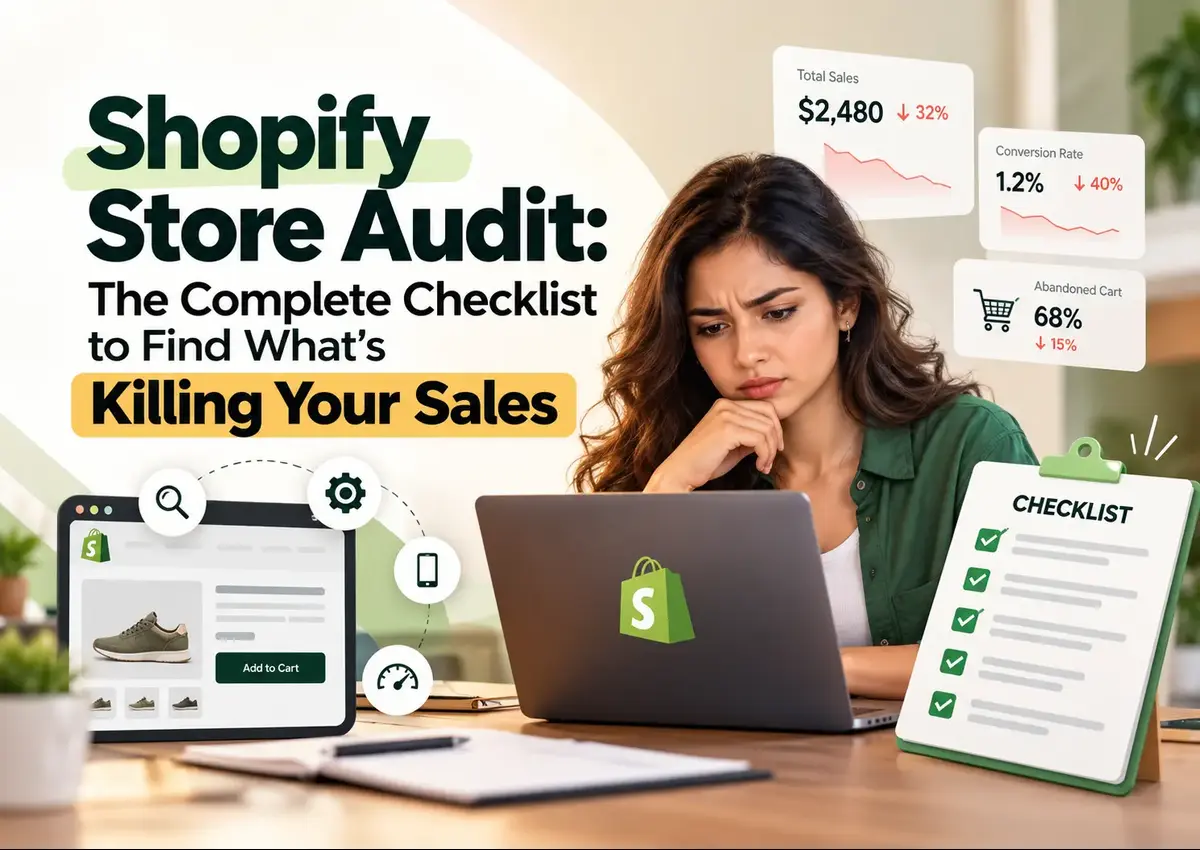
Shopify store audit checklist to identify conversion issues, abandoned carts, and declining sales

Summary

A Shopify store audit evaluates the technical, SEO, usability, and sales performance of your online store. The goal isnโ€™t to fix everything at once but to identify what blocks shoppers, costs you visibility, or prevents purchases and tackle the highest-impact issues first.

Key Takeaways

Find Sales Leaks

Review the full customer journey, from landing page to completed order.

Fix High Impact

Prioritize issues that affect many visitors or interrupt checkout.

Track Real Results

Use Shopify analytics and sales reports to measure changes, not assumptions.

What Does a Shopify Store Audit Check?

A website audit looks at the parts of your store that influence discovery, browsing, and buying. A useful Shopify store audit checklist covers:

  • Technical health and website performance.
  • Ecommerce SEO and indexability.
  • Mobile usability and navigation.
  • Product page content and trust signals.
  • Cart and Shopify checkout.
  • Analytics, sales, and inventory reporting.

Donโ€™t treat every warning as urgent. A minor SEO issue on a low-traffic page may matter less than a broken checkout button on your best-selling product.

How to Audit Shopify Website Performance

Slow pages can frustrate shoppers before they even see your products. Start with a Shopify performance audit. Check these areas:

  • Mobile speed: Test key pages on mobile, not just desktop. Review loading, responsiveness, and visual stability.
  • Heavy apps: Identify apps, scripts, pop-ups, and tracking tools that add unnecessary load.
  • Oversized media: Compress product images while keeping them clear. Use suitable image dimensions.
  • Core Web Vitals: Check real-user performance in Google Search Console and PageSpeed Insights.

A Shopify website speed optimization project should target the challenges affecting shoppers. Removing heavy apps may help, but test their business functions before uninstalling them.

Is Your Ecommerce SEO Bringing the Right Traffic?

Ranking for the right keywords matters more than attracting traffic that never converts. Your Shopify ecommerce SEO audit should check whether your pages match shoppersโ€™ search intent and guide them toward relevant products.

  • Search intent: Check whether product and collection pages answer what shoppers are actually searching for.
  • Keyword relevance: Make sure your target keywords reflect the products you sell and the needs of your customers.
  • Landing-page performance: Review which organic landing pages attract visitors, and whether those visitors explore products or leave without taking action.
  • Page optimization: Ensure titles, meta descriptions, headings, and product content accurately reflect each page.
  • Technical accessibility: Check that important product and collection pages can be crawled and indexed.

A Shopify technical SEO audit service can help identify crawl, indexing, and site-structure issues that may prevent relevant pages from appearing in search results.

Turn More Store Visitors Into Paying Customers

From conversion issues to checkout friction, Krolog helps identify what’s hurting your Shopify sales and uncover opportunities for growth.

Are Product Pages Helping Shoppers Decide?

A product page needs to answer the shopperโ€™s questions quickly. If they have to hunt for sizing, materials, delivery details, or return terms, they may leave. Review your top product pages for:

  • Clear product benefits and specifications.
  • Helpful, high-quality images and videos.
  • Visible pricing, variants, and stock status.
  • Shipping, returns, and warranty information.
  • Reviews and other genuine trust signals.
  • A clear, prominent add-to-cart button.

This is where Shopify conversion optimization becomes practical. Donโ€™t just redesign a page because it looks outdated. Identify what customers canโ€™t understand or find.

Where Does Your Shopify Checkout Lose Customers?

Cart abandonment can happen for several reasons: unexpected costs, limited payment options, confusing forms, or a lack of delivery information. During your Shopify checkout optimization review:

  • Check that shipping costs and delivery estimates appear early.
  • Test checkout on mobile and desktop.
  • Confirm payment methods work as expected.
  • Review discount codes, taxes, and shipping settings.
  • Remove unnecessary friction where Shopify allows customization.

Compare checkout starts with completed purchases. If shoppers add products to cart but rarely finish, investigate the checkout journey before spending more on ads.

How Can Shopify Reports Guide Your Audit?

Analytics help you decide what to fix first. In Shopify, review sales by channel, product, and time period, alongside sessions, conversion rate, and average order value.

To get a sales report from Shopify, open Analytics and select a sales report that fits the question youโ€™re investigating. For inventory, look for inventory reports in the same reporting area.ย 

Report availability can vary by Shopify plan.

You can also export reports or use integrations to automate Shopify reports. The benefit of having Shopify reports is simple: they help you spot trends, compare products, and measure whether changes improved results.

Donโ€™t rely on one metric. A higher conversion rate may still coincide with lower revenue if average order value falls.

Common Shopify Store Audit Mistakes

  • Changing everything at once: You wonโ€™t know which change affected performance. Test fixes in stages.
  • Auditing desktop only: Mobile shoppers may experience a different, non-optimized store.
  • Chasing every warning: Prioritize issues by impact, traffic, and effort.
  • Ignoring tracking quality: Inaccurate analytics can lead to bad decisions.
  • Skipping follow-up: An audit is a starting point. Measure the outcome after implementation.

Frequently Asked Questions

About the Author

Sandeep K. is the Founder and CEO of Krolog, an Amazon and ecommerce growth agency. He shares practical insights on ecommerce strategy, marketplace growth, and online store performance.

Turn Your Shopify Audit Into a Growth Plan

A Shopify store audit is most valuable when it leads to clear, actionable improvements. Finding slow pages, confusing product information, or friction in the checkout is only the first step. The next is prioritizing fixes that can help more visitors become customers.

Krolog helps Shopify businesses improve their store experience through ecommerce SEO, website optimization, and conversion-focused improvements. Our team can audit your Shopify store to identify issues affecting your conversion rate (CVR), from product-page usability to checkout friction and site performance.

Whether you need a technical SEO review, a faster storefront, or a smoother path to purchase, we can help you identify where to start and what to fix first.

Want to find whatโ€™s holding your Shopify store back?

Related Article

Shopify Store Audit: The Complete Checklist to Find Whatโ€™s Killing Your Sales

Shopify Store Audit: The Complete Checklist to Find Whatโ€™s Killing Your Sales

Shopify Store Audit: The Complete Checklist to Find Whatโ€™s Killing Your Sales Your Shopify store gets traffic; people browse products;…
Amazon Intellectual Property Complaints: How to Report, Appeal, and Reinstate Your Account

Amazon Intellectual Property Complaints: How to Report, Appeal, and Reinstate Your Account

Amazon Intellectual Property Complaints: How to Report, Appeal, and Reinstate Your Account An Amazon intellectual property complaint can do more…

How Krolog Supported Lex Tecโ€™s Amazon Account Reinstatement After Product Compliance Issues

How Krolog Supported Lex Tecโ€™s Amazon Account Reinstatement After Product Compliance Issues

How Krolog Supported Lex Tecโ€™s Amazon Account Reinstatement After Product Compliance Issues Services Amazon Account Reinstatement Compliance Review POA Development…

Scroll to Top